Dual N-Back was the first app I made for myself. I became interested in the exercise as a way to challenge my working memory, tried an existing app, and hit a paywall right as I was building a twenty-day streak.
Around the same time, I tried Codex for the first time and thought: why not make this myself? So I did. The first version was surprisingly easy to get working, and I kept adding to it. It is now an iPhone and Mac app I use almost every day.
See it in action
How it works
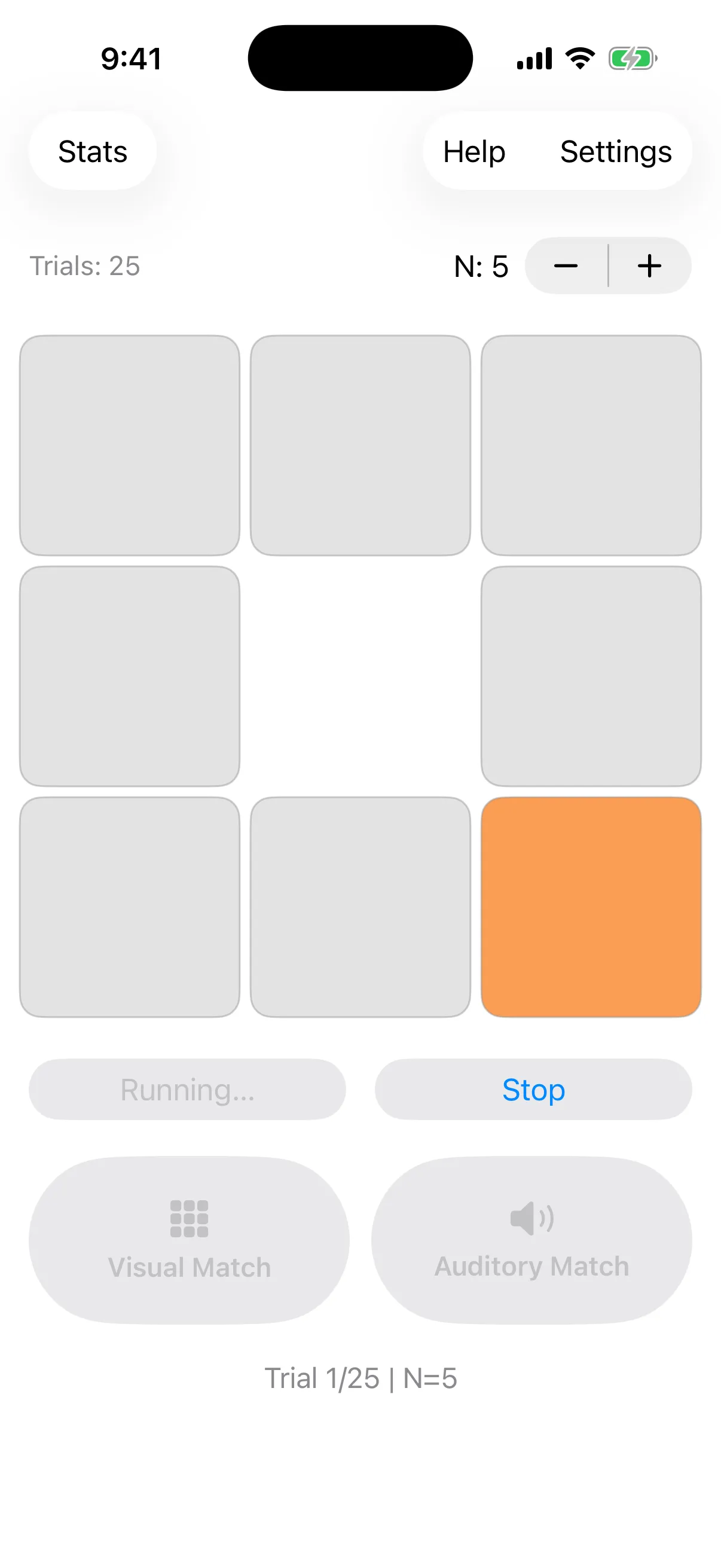
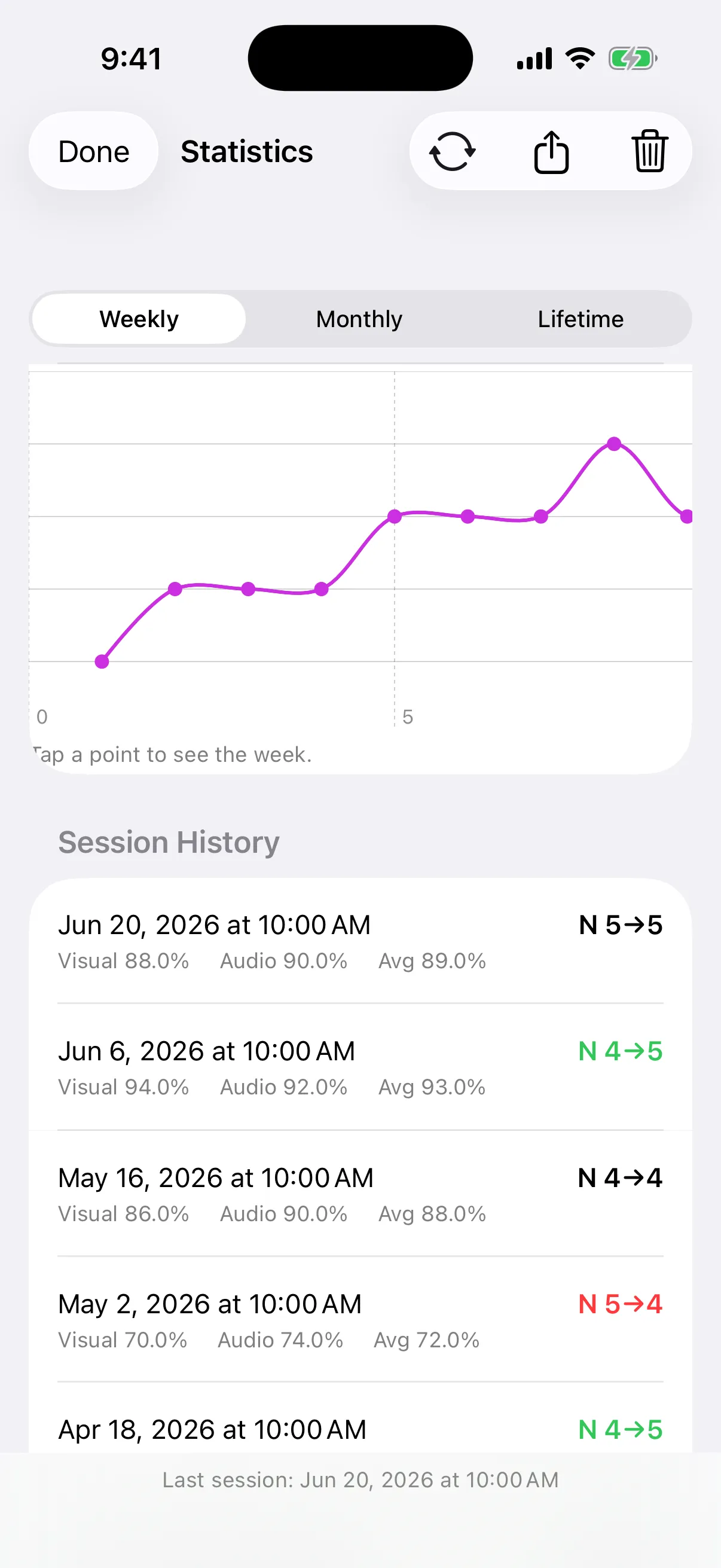
Each trial highlights a square and plays a spoken letter. I compare both with what appeared a few turns earlier, then mark visual or auditory matches. The app tracks my accuracy, adjusts the difficulty, and shows how my performance changes over time.
A few details I like
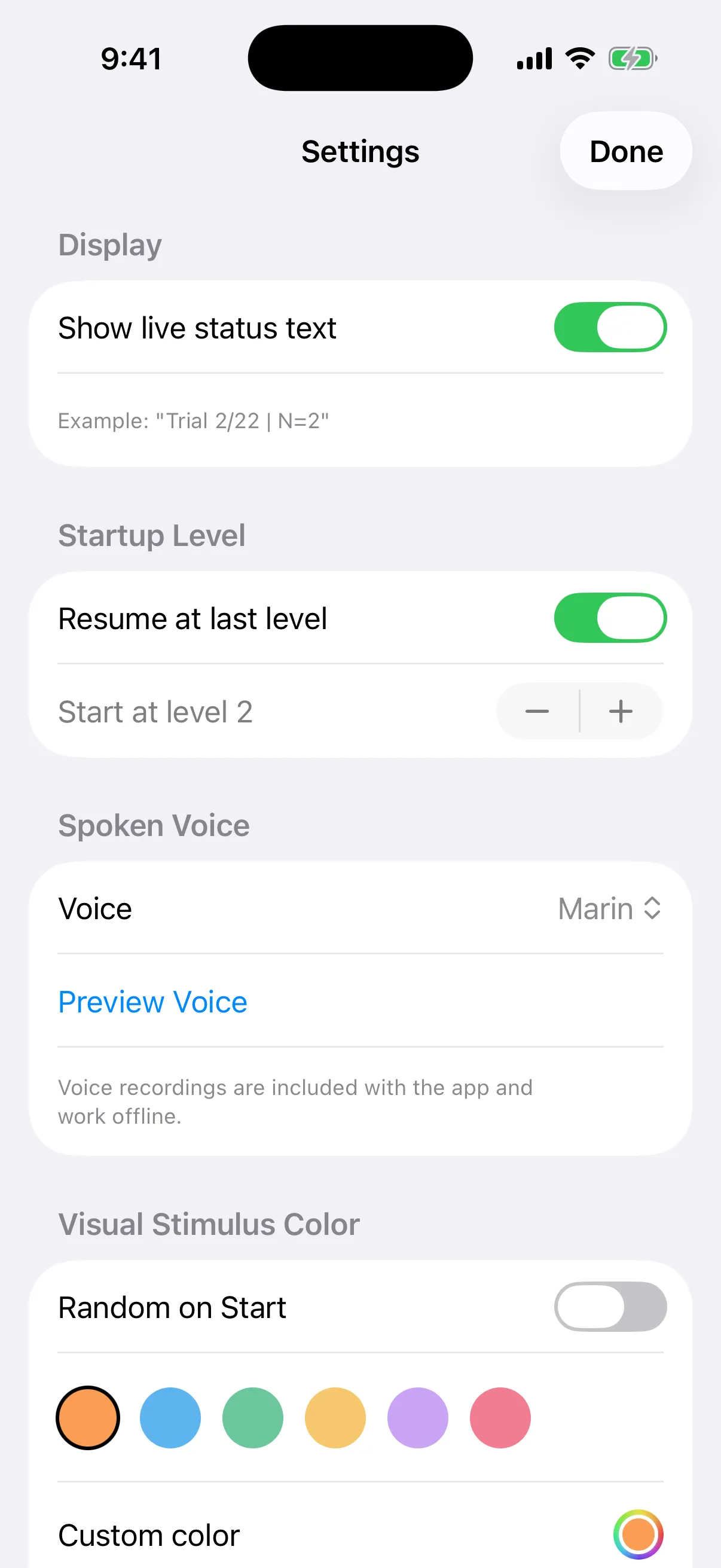
- I bundled three natural-sounding voice options, so training audio works offline with no API key or network delay.
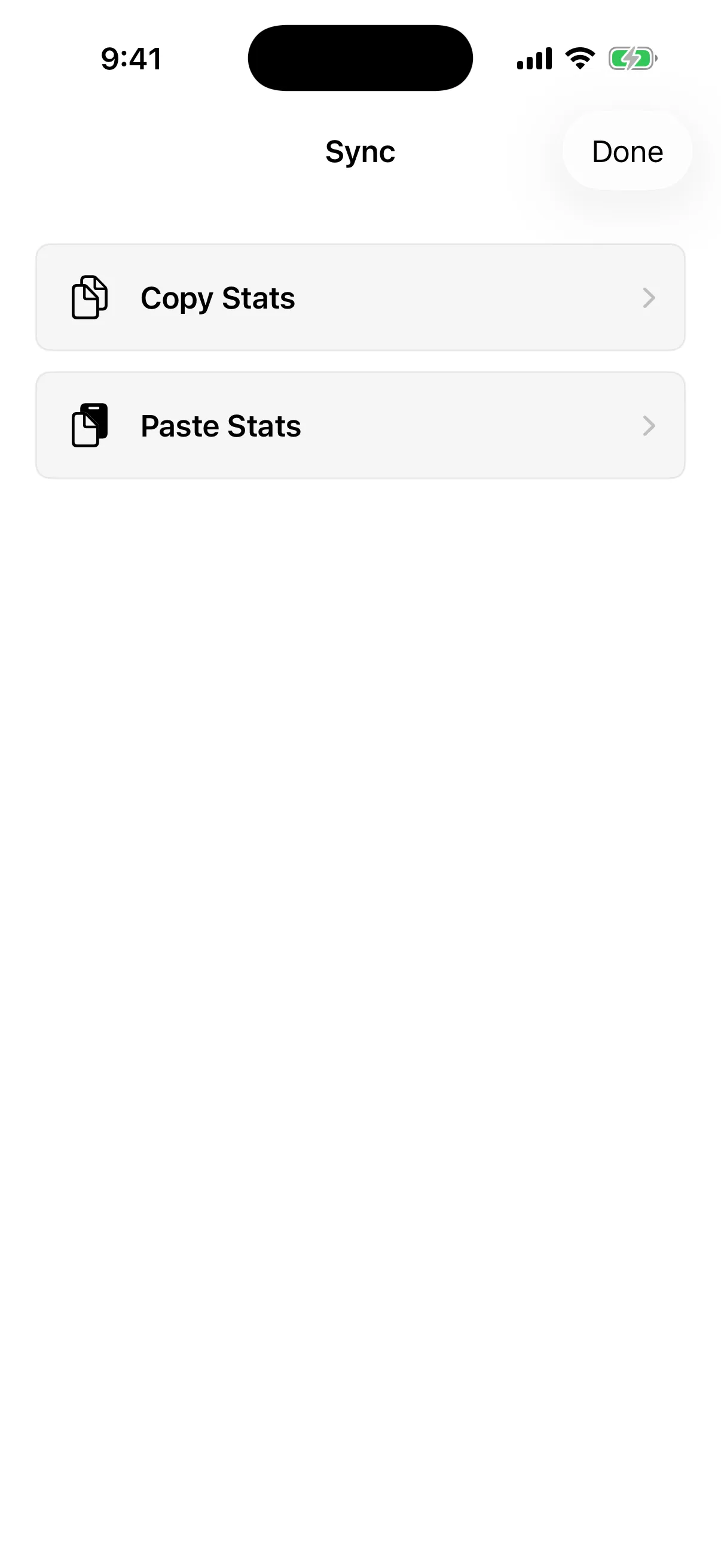
- Statistics stay local. I can merge them between my iPhone and Mac with Universal Clipboard—no server, account, or paid Apple Developer membership required.
- The same core training engine powers the native SwiftUI app on both platforms.
It started as a quick experiment to solve my own problem. Finishing it made me realize I could make useful apps for the problems I actually have, which was pretty exciting.